DIY Thermostat Replacement: How to Upgrade Your Home 2026

I’ll be the first to admit it—messing with the electrical “guts” of my house used to terrify me. There’s something about a bundle of multi-colored wires sticking out of a wall that screams “call a professional or prepare for a blackout.” But last winter, when my old mercury-switch dinosaur finally kicked the bucket, I decided to face the music. I wanted that sleek, futuristic control over my home’s climate, and I didn’t want to pay a contractor $200 for a twenty-minute job.
What I discovered is that thermostat replacement is actually one of the most rewarding “beginner” DIY projects you can tackle. It’s mostly just matching colors and tightening small screws. If you can put together an IKEA nightstand, you can definitely handle this. We’ve all been there, staring at the old plastic box on the wall and wondering if we’re about to blow a fuse. Trust me, once you see how simple the wiring logic actually is, you’ll feel like a total pro.
1. What is Thermostat Replacement?
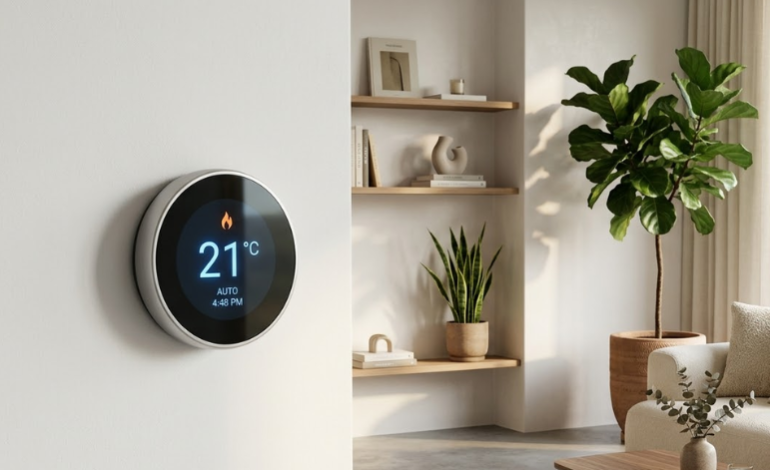
At its simplest, thermostat replacement is the process of swapping out your home’s temperature control interface for a newer model. Your thermostat acts as the “brain” of your HVAC system. It tells your furnace or air conditioner when to kick on based on the ambient temperature it detects.
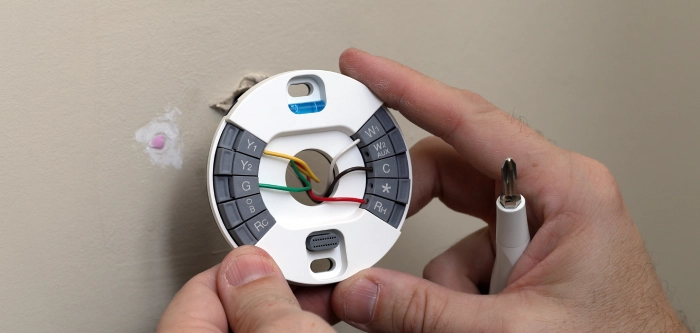
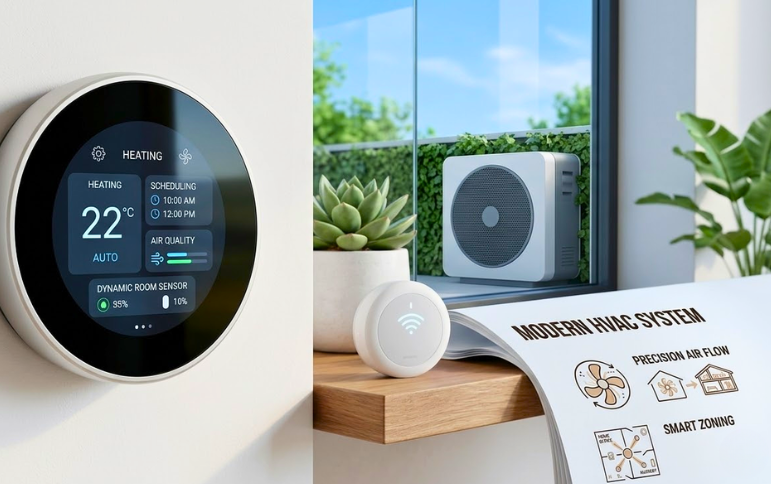
Old manual thermostats use a physical sensor (often a mercury bulb) to trigger the system. Modern replacements are digital and often “smart,” meaning they connect to your Wi-Fi. This allows you to adjust the heat from your phone while you’re still tucked under the covers or set schedules that save you a fortune on your monthly energy bills. Replacing it involves disconnecting a few low-voltage wires from the old unit and securing them into the corresponding terminals on the new one.
2. Top 5 Best Thermostat Replacement Options on Amazon 2026
If you’re looking to upgrade, these are the heavy hitters currently dominating the market. We’ve seen these units perform consistently well in real-world home setups.
- Ecobee Smart Thermostat Premium: This is the gold standard for 2026. It includes a built-in air quality monitor and a zinc-bodied design that feels incredibly premium. It’s perfect if you want a “set it and forget it” experience. [Check Price on Amazon]
- Google Nest Learning Thermostat (4th Gen): The classic choice. It actually learns your schedule over time. If you always turn the heat down at 10 PM, it eventually starts doing it for you. [Check Price on Amazon]
- Honeywell Home T9 Smart Thermostat: Honeywell has been in the game forever. The T9 is rugged, reliable, and uses remote sensors to ensure the bedroom stays cool even if the living room is sunny. [Check Price on Amazon]
- Wyze Smart WiFi Thermostat: The budget king. If you want the smart features without the $200 price tag, this is your best bet. It’s sleek, functional, and surprisingly easy to install. [Check Price on Amazon]
- Emerson Sensi Touch 2: I love this one because the wiring terminals are super easy to access. It’s a great choice for older homes that might have tricky wiring configurations. [Check Price on Amazon]
3. How to Choose the Best Thermostat Replacement
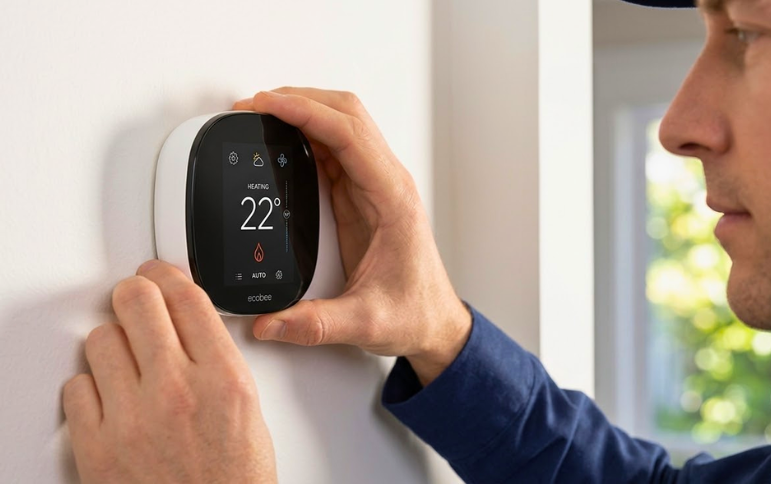
Choosing a unit isn’t just about the flashiest screen; it’s about compatibility. First, you need to check your “C-wire” or common wire. Most modern smart thermostats require this constant power source. If you pull off your old cover and don’t see a wire labeled “C,” you’ll need to look for a model that includes a Power Extender Kit (like the Ecobee).
Think about your ecosystem. If your whole house is run via Alexa, stick with a compatible unit. If you’re an Apple HomeKit devotee, make sure the box has that logo. Also, consider the “swing” or temperature differential. Some cheaper models wait until the house is freezing before kicking on, while high-end units keep the temp within a tight 1-degree window. In my experience, paying a little more for a unit with remote sensors is always worth it if you have that one “hot room” in the back of the house.
3.1 Thermostat Replacement Comparison Table
|
Feature |
Ecobee Premium |
Google Nest (4th Gen) |
Wyze Smart |
Honeywell T9 |
|
Price (Approx) |
$249 |
$229 |
$79 |
$169 |
|
C-Wire Required |
Yes (PEK included) |
No (Internal battery) |
Yes |
Yes |
|
Remote Sensors |
Included |
Available |
Available |
Included |
|
Smart Home |
All Platforms |
Google/Alexa |
Alexa/Google |
All Platforms |
|
DIY Difficulty |
Easy |
Very Easy |
Moderate |
Easy |
FAQ: Frequently Asked Questions
- Can I replace a thermostat myself without an electrician? Yes, absolutely. Most thermostats use low-voltage wiring (24V), which is much safer to handle than the high-voltage wires in your outlets. As long as you turn off the power at the breaker, it’s a very safe DIY task.
- How do I know if my HVAC is compatible with a smart thermostat? Most standard forced-air systems are compatible. However, if you have high-voltage baseboard heaters (110V or 220V), you’ll need a specific line-voltage thermostat like a Mysa.
- What do the wire colors mean? While there is a “standard” (R for power, W for heat, G for fan, Y for cooling), never trust the colors alone. Always label your wires based on the letters on the old thermostat terminals before you disconnect them.
- Do I need to turn off the power? Yes! Always flip the breaker for your furnace/AC. If you short out the wires by accident, you could blow a tiny fuse inside your furnace that is a massive pain to replace.
- What is a C-wire? The “Common” wire provides a continuous loop of 24V power. Smart thermostats need this to stay connected to Wi-Fi and keep their screens lit up 24/7.
Don't Let Your Energy Bills Control You
A solid thermostat replacement is the quickest way to drag an old house into the modern age. It’s not just about the “cool factor” of talking to your walls to change the temp; it’s about the tangible feeling of a home that actually responds to your life.
I remember the first week after I installed mine. I was at work and realized I’d left the heat cranking on a surprisingly warm day. I pulled out my phone, tapped a button, and saved myself probably five bucks in five seconds. That feeling of control is addictive. If you’re tired of the “dial and hope” method of the 90s, grab one of the units we mentioned above and spend thirty minutes this weekend making the switch. You won’t regret it.