Smart Thermostat No C Wire: Easy 2026 DIY Installation Guide
I remember the first time I tried to install a “smart” thermostat in my 1970s ranch house. I had the shiny new box in one hand and a screwdriver in the other, feeling like a total tech wizard. Then, I pulled the old unit off the wall. Instead of the neat row of wires I saw in the YouTube tutorial, I found a dusty mess of three lonely wires. No blue wire. No “C” terminal. I thought I was stuck with my old “dumb” dial forever.
The truth is, most of us living in charming, older American homes face the exact same “no C-wire” dilemma. But it’s 2026, and the tech has finally caught up to our old school wiring. You don’t need to tear open your drywall or spend $500 on a professional electrician just to get your AC on a schedule. We’ve tested the workarounds, and honestly, they’re easier than you think. Let’s get that smart thermostat up and running so you can start saving on those utility bills.

1. What is a smart thermostat no C wire?
Simply put, a “no C-wire” setup is what happens when your home’s HVAC wiring lacks a “Common” wire, which is the dedicated line that provides continuous 24V power to your thermostat. In the old days, thermostats were just simple switches that didn’t need their own power. Modern smart thermostats, however, are like mini-computers. They have Wi-Fi, bright touchscreens, and AI that learns your schedule.
When you don’t have that blue C-wire to provide a return path for electricity, a smart thermostat has nothing to “drink” from to stay powered up. A “no C-wire” smart thermostat is either a specific model designed to run on batteries (like some Nest or Sensi models) or a standard smart thermostat that uses a power extender kit to trick your system into providing power without that extra wire in the wall.
2. Top 5 best smart thermostat no C wire on Amazon 2026
If you’re ready to upgrade but your wall is missing that blue wire, these are the top performers we’ve vetted this year.
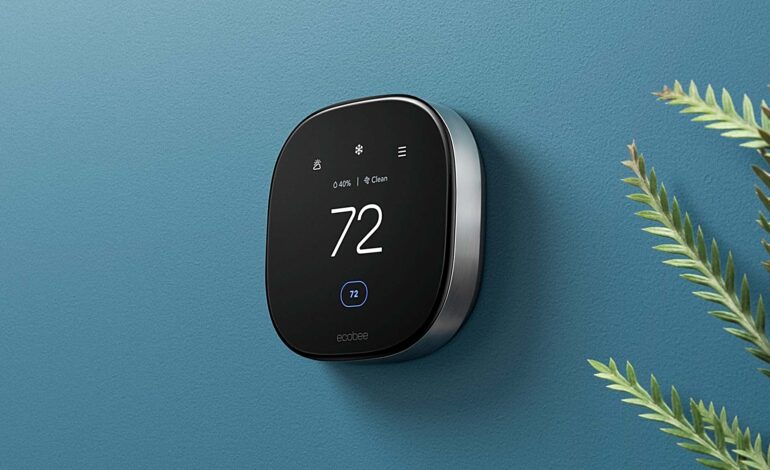
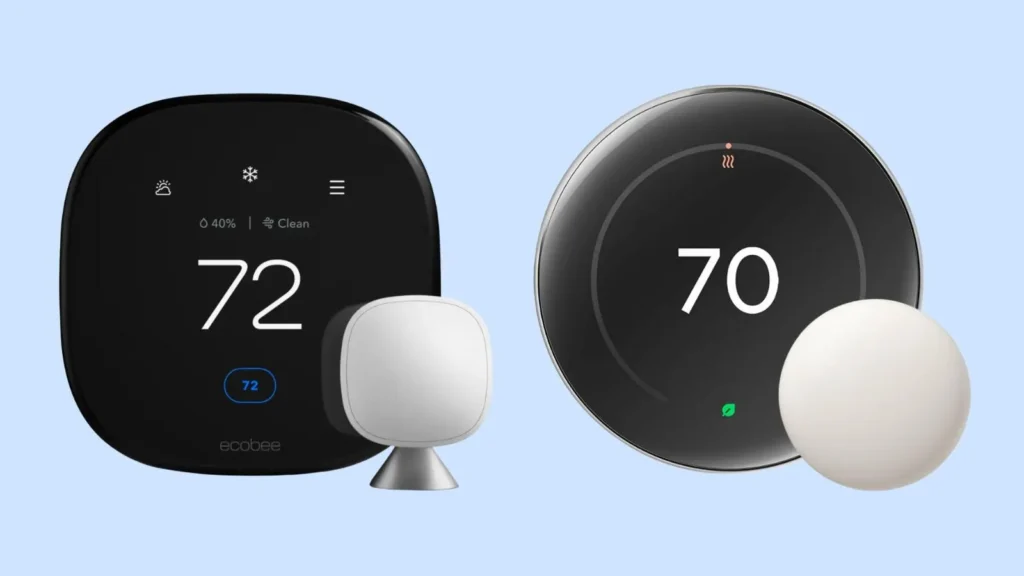
- Ecobee Smart Thermostat Premium: This is the gold standard for “no C-wire” homes because it includes a Power Extender Kit (PEK) right in the box. It’s fully Matter-compatible, meaning it’ll work with whatever phone or smart hub you buy three years from now. Price: ~$249
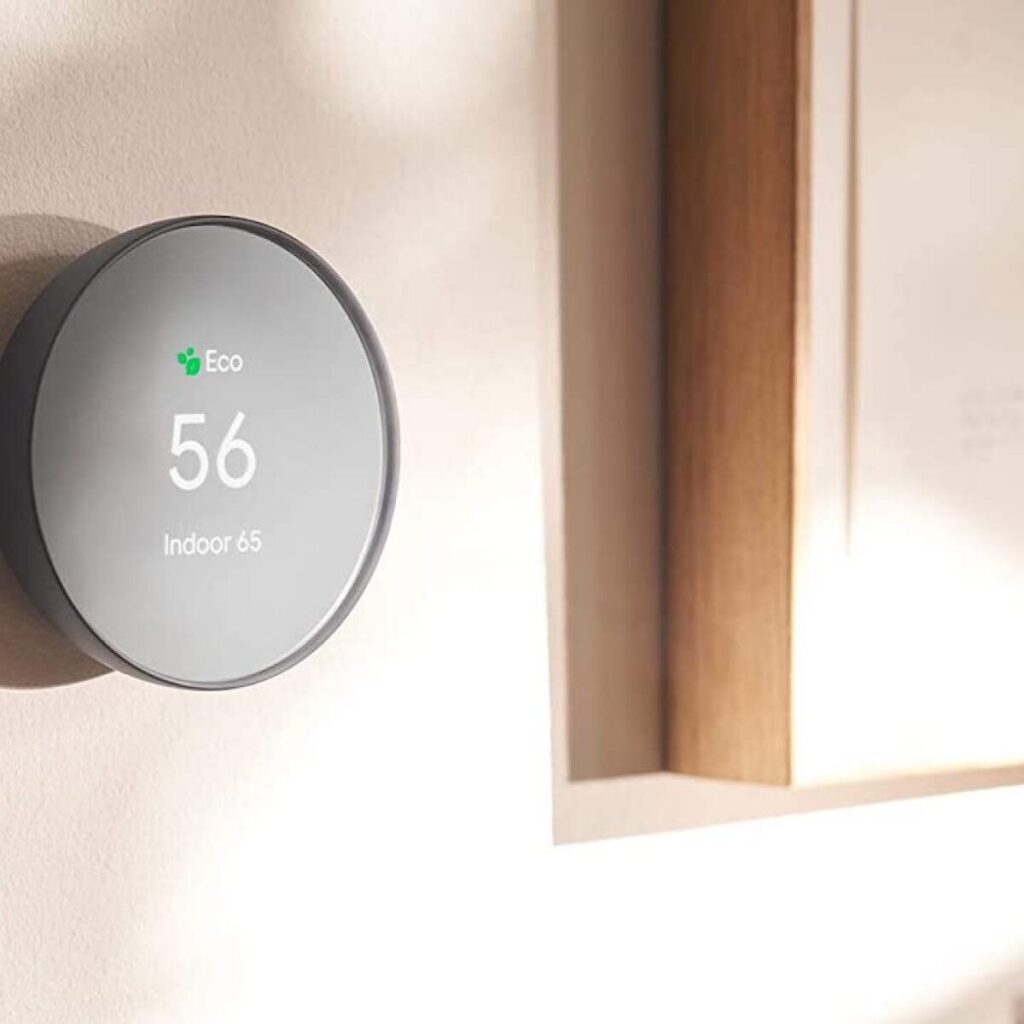
- Google Nest Thermostat (2025 Model): Known for its “power-sipping” technology, this model can often run without a C-wire by “power stealing” from your heating or cooling wires. It’s sleek and the most user-friendly for DIYers. Price: ~$129
- Honeywell Home T9: A workhorse for larger homes. If you buy the version that includes the C-wire adapter, it’s a breeze to install. We love its remote sensors that stop “cold spots” in the bedroom. Price: ~$165
- Sensi Smart Thermostat: This is the “hidden gem.” It’s one of the few that is officially rated to run on just two AA batteries for a long time, making it the ultimate “no-wire-required” choice for very old systems. Price: ~$95
Amazon Smart Thermostat: The budget king. It’s made in partnership with Honeywell, so the tech is solid. You’ll need to buy the $25 C-wire adapter separately, but even then, it’s the cheapest way to get into the game. Price: ~$60
3. How to choose the best smart thermostat no C wire
Choosing the right unit depends entirely on how much “tinkering” you’re willing to do. First, check your ecosystem. If you’re an Apple household, make sure the box says HomeKit or Matter. If you use Alexa, the Amazon-branded ones are a no-brainer.
Second, look at your HVAC system. If you have a heat pump or a complex multi-stage system, you really shouldn’t rely on “power stealing”. In those cases, always go for a model that includes a power extender kit. These kits live inside your furnace cabinet and “split” the signal of your existing wires to give your thermostat the juice it needs without running new copper through your house. It sounds intimidating, but if you can match colors on a sticker, you can do it.
Smart Thermostat No C wire Comparison Table
|
Feature |
Ecobee Premium |
Google Nest |
Sensi |
Amazon Smart |
|
C-Wire Solution |
Included PEK Kit |
Power Stealing |
Battery / Adapter |
Adapter Required |
|
Matter Support |
Yes |
Yes |
No |
Yes |
|
Ease of Install |
Medium |
Easy |
Super Easy |
Medium |
|
Best For |
Techies |
Modern Decor |
Older Homes |
Budget Seekers |
|
Approx. Price |
$249 |
$129 |
$95 |
$60 |
4. DIY Installation Guide
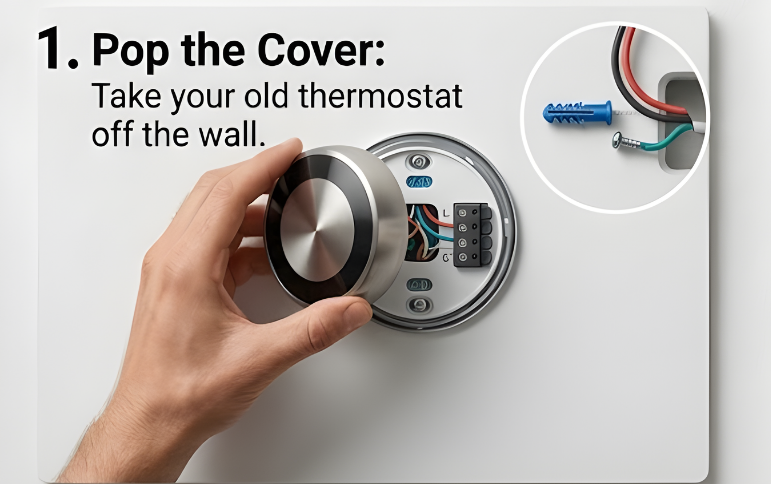
Step 1: Pop the Cover
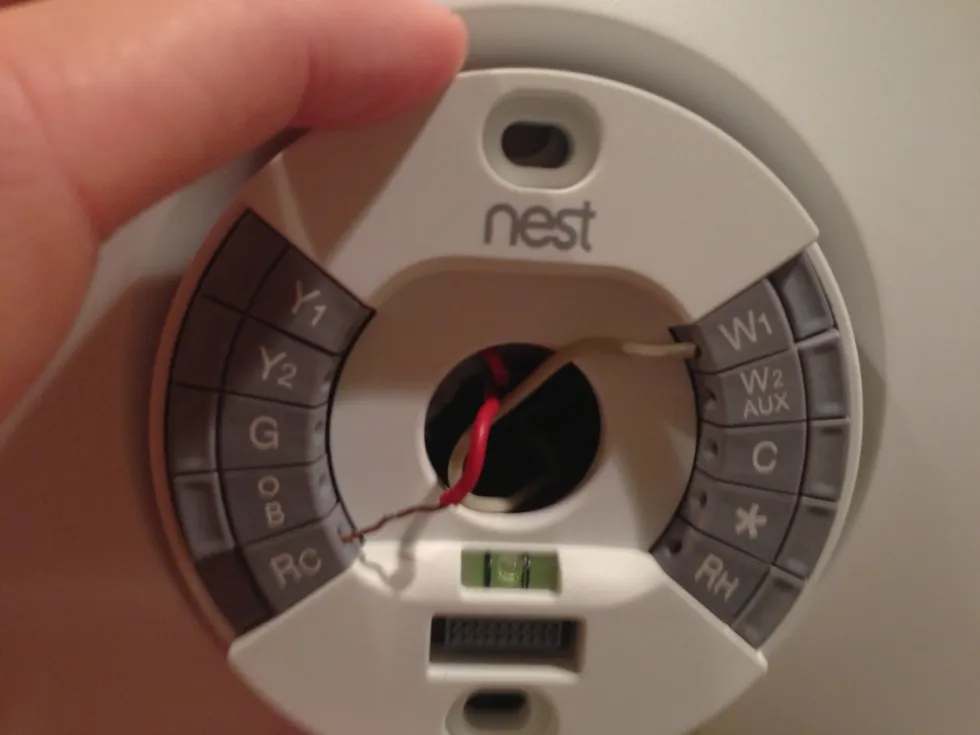
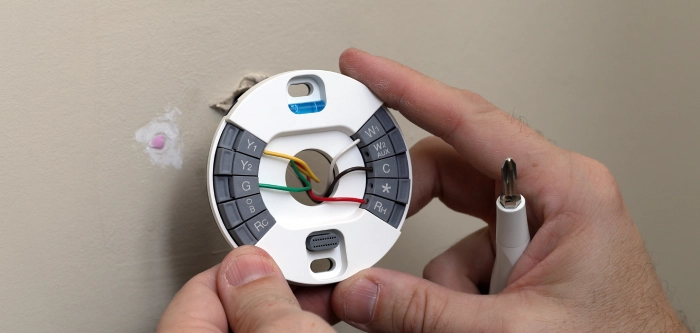
The very first thing you need to do is turn off the power at your breaker box. Trust me, you don’t want a 24V spark to fry your control board. Once the power is off, pop the cover off your old thermostat. Take a photo of the wires—this is your “oops” insurance.
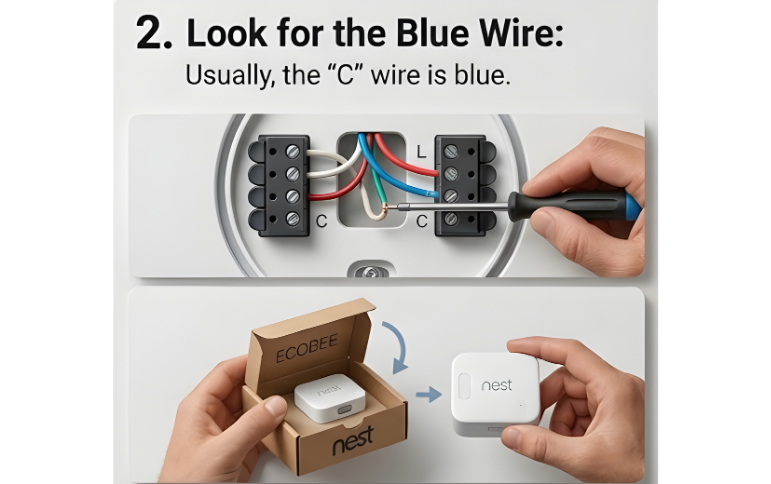
Step 2: Look for the Blue Wire
Check the labels on the terminals. If there’s a wire in the “C” slot, you’re golden. If not, look behind the wall plate. Often, installers pull a 5-wire cable but only use 4, leaving the blue one tucked away like a hidden treasure. If you find it, you just saved yourself an hour of work!
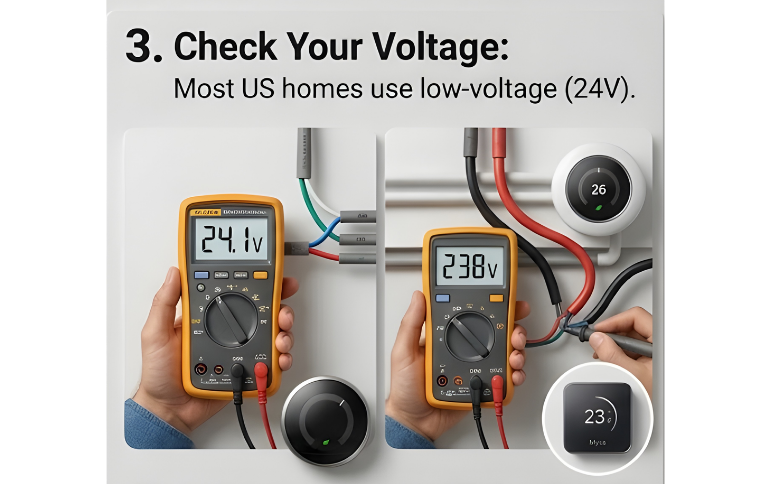
Step 3: Check Your Voltage
Most US homes use low-voltage (24V) systems. If you see thick wires with wire nuts (like what’s behind a light switch), stop immediately. That’s a high-voltage system, and a standard smart thermostat will literally smoke if you hook it up. Use a multimeter to confirm you’re seeing around 24V across the Red and Common lines.
The Verdict on Going "C-Wire-Less"
Upgrading to a smart thermostat is probably the single best thing you can do for your home’s energy efficiency this year. Even without a C-wire, the options in 2026 are incredibly robust. Whether you go with a battery-operated Sensi or an Ecobee with a power kit, you’re going to see a massive difference in your monthly bill.
If you’re still feeling a bit nervous about the wiring, I highly recommend grabbing the Ecobee Smart Thermostat Premium because their step-by-step app instructions are basically foolproof. It walks you through every wire color and even tells you if you’ve plugged them in wrong.