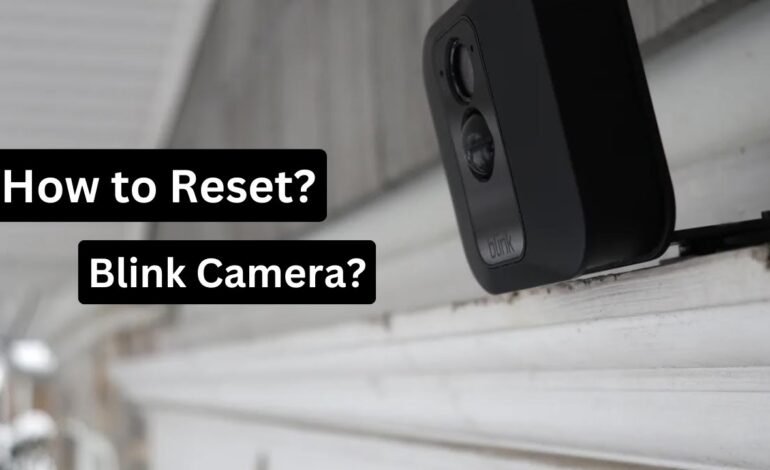
If you’re wondering how to reset a Blink camera, the process is simple and takes less than a minute. Resetting your Blink device can fix common issues like connection problems, syncing errors, or a camera that appears offline in the app.
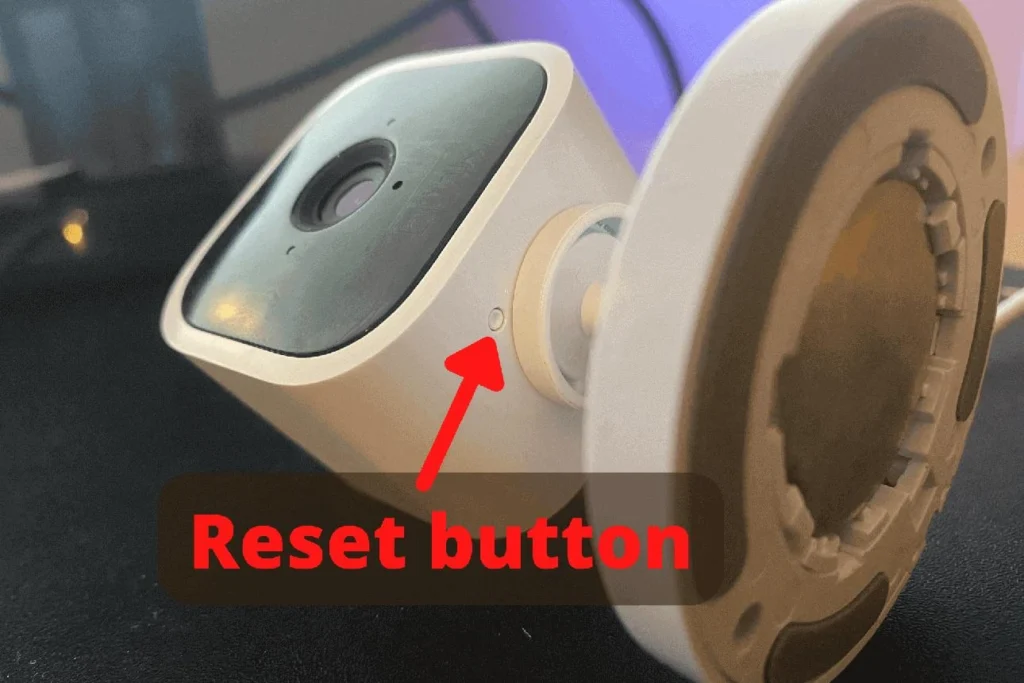
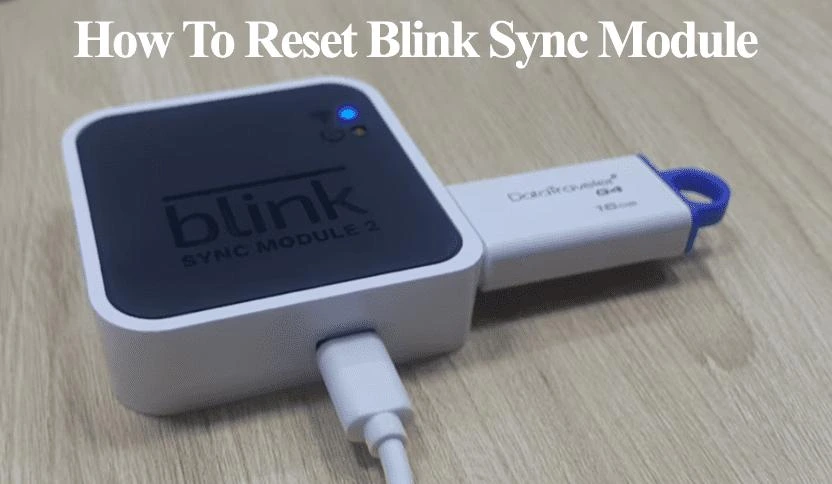
In most cases, all you need to do is press and hold the reset button until the light starts flashing, then reconnect the camera to your system. However, the exact steps may vary depending on whether you’re using a Blink Outdoor, Indoor, or Sync Module 2.In this guide, you’ll learn exactly how to reset Blink camera step by step, where to find the reset button, and how to fix problems if the reset doesn’t work.
If your Blink camera keeps disconnecting or failing to reset, upgrading to a newer model can solve most issues. 👉 Check the latest Blink camera price on Amazon.