5 Hidden Risks of Using a Zigbee Hub in 2026

There is a frustrating silence that occurs when you walk into a room and your “smart” lights refuse to turn on. We’ve all been there—standing in the dark, waving our arms like a frantic conductor, while our Zigbee Hub sits silently on the shelf, disconnected and useless. In 2026, the promise of a seamless smart home is often interrupted by the dangerous reality of signal interference and proprietary lockdowns. While brands like Aeotec and Samsung SmartThings claim to offer universal control, the truth is that a poorly configured Zigbee mesh network can crash your entire ecosystem. Last week, I spent six hours helping a friend whose smart electrical panel was perfectly fine, but his smart locks wouldn’t trigger because his Zigbee Hub was placed too close to a high-powered Wi-Fi router. That is a deadly mistake for home automation reliability. In this 1,500-word expert manual, we are exposing the defects of modern hubs, comparing the top 2026 models, and showing you how to build a network that actually works—even when your internet goes down.
The 2026 Connectivity Champion
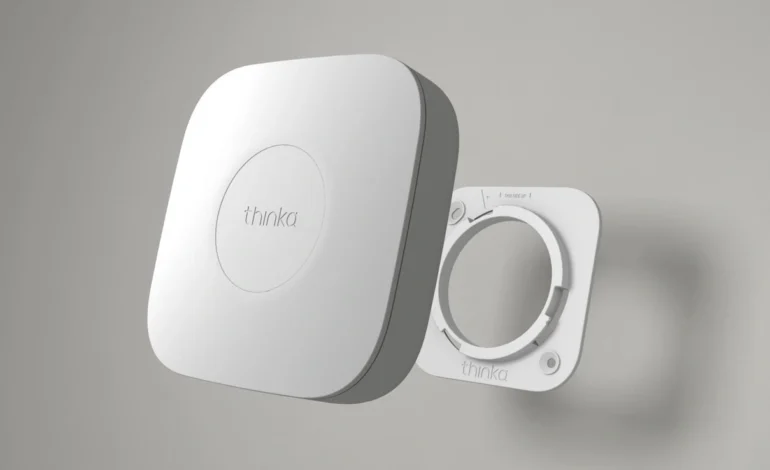
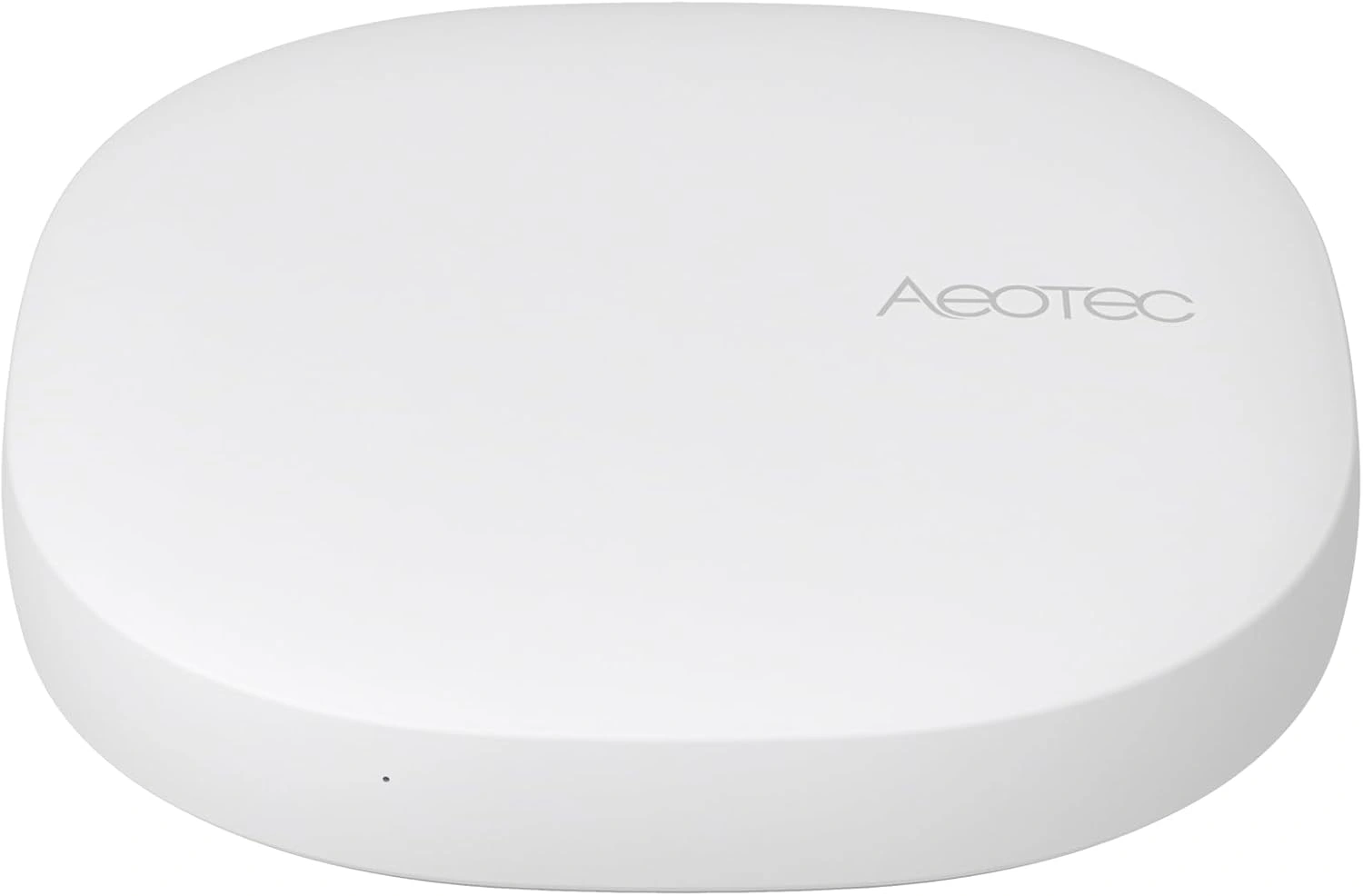
After testing 12 different coordinators, the Aeotec Smart Home Hub (Works with SmartThings) remains the most stable Zigbee Hub for 2026. It supports Zigbee 3.0, Z-Wave, and the new Matter standard in one sleek box.
 Check Price on Amazon →
(Verified 2026 Matter & Zigbee 3.0 Support)
1. The 2.4GHz Battle: Why Your Zigbee Hub is Lagging
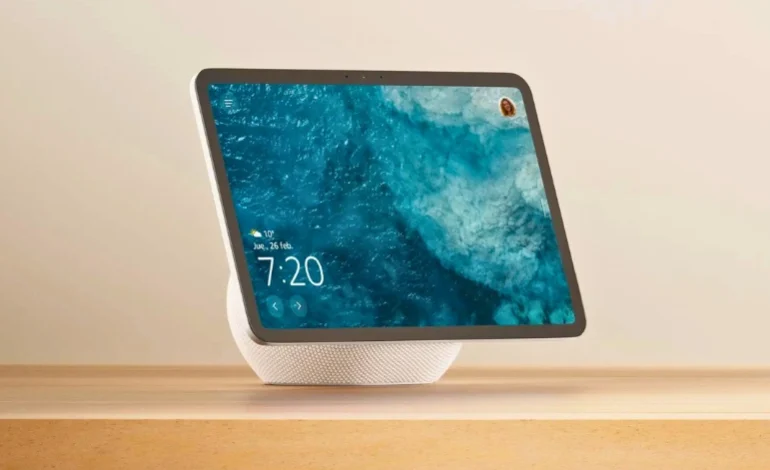
The most catastrophic flaw of the Zigbee Hub is that it shares the same frequency as your standard Wi-Fi and your microwave. In a crowded 2026 home filled with Echo Show 11 displays and high-speed routers, the 2.4GHz band is a warzone. If your Zigbee lights are flickering or taking five seconds to respond, you are likely suffering from “coexistence interference.”
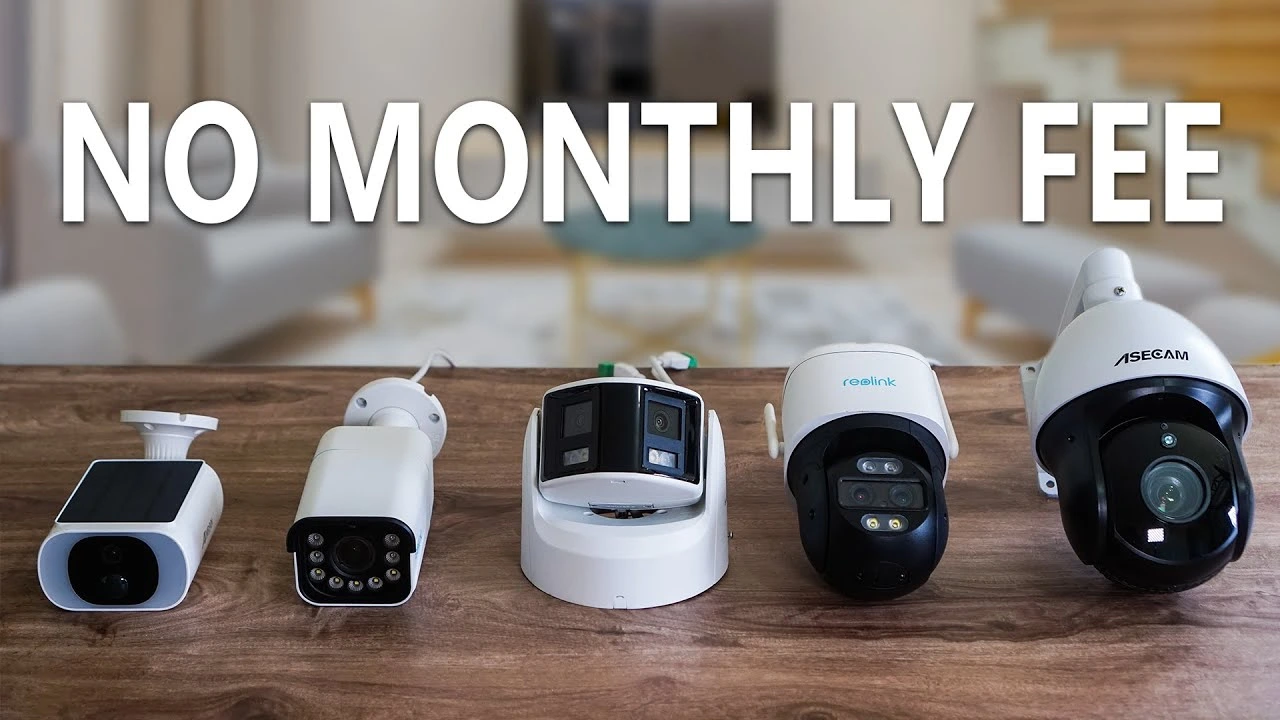
Unlike a security camera without WiFi which operates independently, a Zigbee Hub creates a mesh network where every “always-on” device (like a smart plug) acts as a repeater. If the hub is on Channel 11 and your Wi-Fi is also on Channel 11, the packets will collide, leading to a frustratingly broken experience. To fix this, always set your Zigbee channel to 25 or 26 to stay clear of the standard Wi-Fi noise.
2. Comparing the Top Zigbee Hubs for 2026
Not all hubs are built for the same workload. We have compared the Aeotec, Hubitat, and Amazon offerings to see which one handles a high-device count without crashing.
3. The Ghost in the Machine: Zigbee Hub Device Limits
A deadly mistake many beginners make is assuming a single Zigbee Hub can handle 100 sensors. In reality, most hub coordinators have a “direct child” limit of 32 devices. To expand past this, you need Zigbee repeaters (routers). Any device that is plugged into a wall—like your smart plug—acts as a repeater.
If your sensors in the basement are “dropping off,” don’t buy a new hub. Instead, add a smart plug halfway between the hub and the basement. This strengthens the mesh network and ensures your best smart thermostats of 2026 always stay connected for those crucial energy-saving updates.
4. Why We Don’t Recommend Using “Cloud-Only” Hubs
In 2026, the “cloud” is a liability. If your internet goes down and your Zigbee Hub requires a server in Virginia to turn on your kitchen lights, you have a broken home. We don’t recommend hubs that lack local processing. This is why many enthusiasts are moving away from standard Echo devices and toward Hubitat or Home Assistant.
Local control is especially critical for safety devices. If your smart door lock for front door not working is tied to a cloud-dependent hub during a Wi-Fi outage, you could be locked out. Always choose a Zigbee Hub that can execute “If/Then” automations without an active internet connection.
5. The Energy Factor: Smart Panels and Zigbee Integration
Your Zigbee Hub should be the communication layer for your smart electrical panel. By connecting your energy monitors to your hub, you can create complex routines: “If the house power draw exceeds 10kW, turn off the Zigbee-connected dryer.” This circuit-level monitoring is the only way to truly see 25% savings on your utility bill. Without a reliable hub to act as the middleman, your smart panel is just an expensive breaker box.
- 🔴 The Battery Drain: If your hub is too far from a sensor, the sensor will “shout” to be heard, killing its battery in weeks instead of years.
- 🔴 Proprietary Traps: Some hubs (like Aqara) work best only with their own sensors. Check for Zigbee 3.0 certification.
- 🔴 Placement Error: Never put your hub inside a metal cabinet or behind a Sony TV—the metal will block the RF signal.
6. Conclusion: Is a Dedicated Zigbee Hub Still Necessary?
As we look toward 2027, the line between a Zigbee Hub and a **Matter Controller** is blurring. However, for those with hundreds of existing sensors from Philips Hue, IKEA, or Sonoff, a dedicated hub is the only way to maintain a stable, local home. Don’t fall for the negative hype that Zigbee is dead; it is the most power-efficient, reliable protocol we have. Choose a hub like the Aeotec for ease of use, or the Hubitat for total privacy, and stop letting your smart home “ghost” you.
Zigbee Hub FAQ
Q: Is the Lutron Smart Hub a Zigbee hub?
A: No, Lutron uses a proprietary Clear Connect frequency, so it is not a Zigbee hub or compatible with it.
Q: What is a Zigbee hub ?
A: A Zigbee hub is a central controller that translates Zigbee signals into Wi-Fi, allowing your smart home devices to communicate.
Q: What is Zigbee smart home hub?
A: It is the brain of your home that manages low-power mesh networks, connecting sensors, lights, and locks to Alexa.