Best DIY Home Security Camera System (2026): No Monthly Fees


Best DIY Home Security Camera System: No Monthly Fees in 2026
Professional monitoring used to be the gold standard, but it’s becoming a massive financial drain. Paying a company $50 a month just to "watch" your cameras—often with a 3-year contract—is a relic of the past. In 2026, the power has shifted. You can now build a best diy home security camera system that rivals professional setups in both clarity and reliability, without the "subscription tax."
Whether you’re protecting a suburban home or a small business, a best self-monitored home security approach allows you to own your data and your hardware outright. If you've already explored our guide on the best doorbell camera without subscription, you know how liberating it is to lose the monthly bill. Now, it's time to scale that to your entire property.
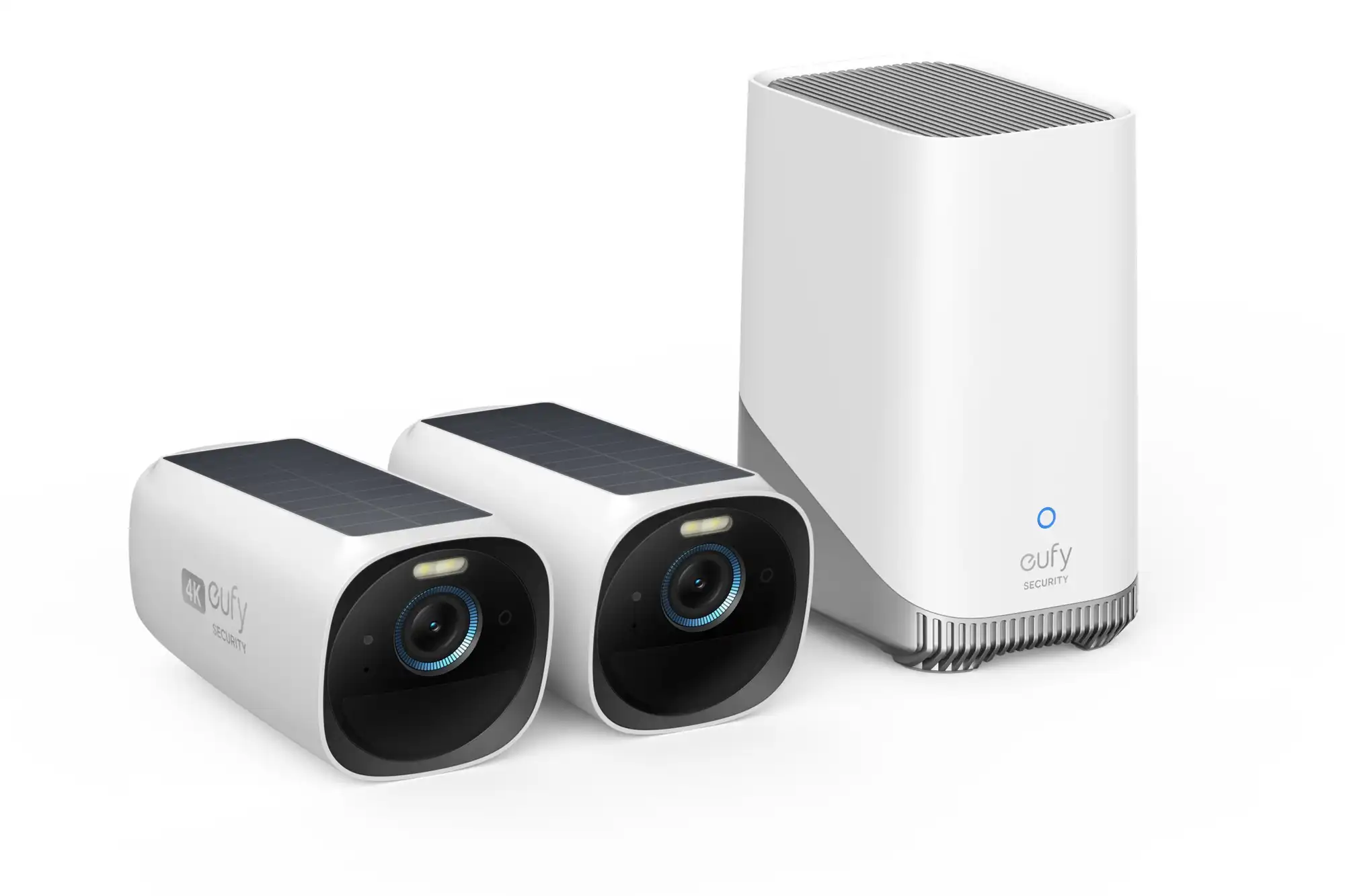
Eufy Edge Security System (HomeBase 3)
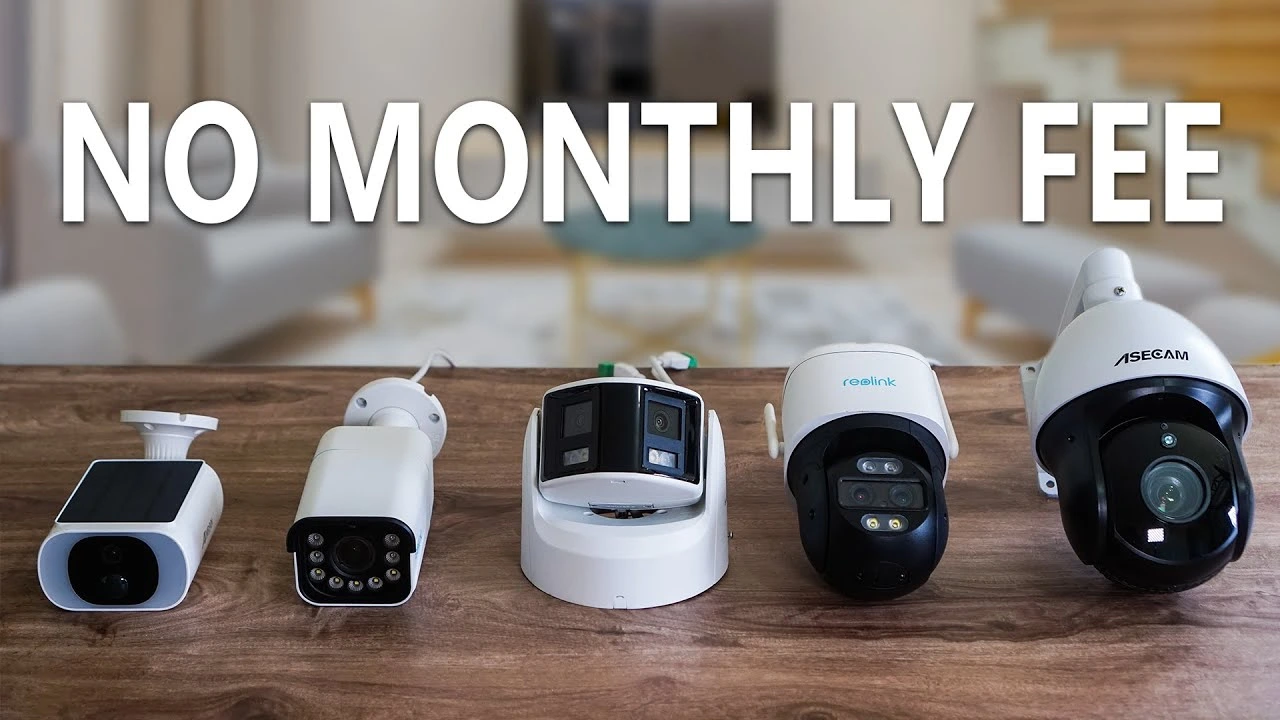
Eufy has perfected the "hub-and-spoke" model. The HomeBase 3 acts as the brain of your best diy home security camera system, processing facial recognition and storing weeks of 4K footage locally.
- Expandable Storage: Add a 2.5-inch hard drive for up to 16TB of local video.
- BionicMind AI: Learns the faces of your family to reduce "false positive" alerts.
- Unified App: Control your doorbell, outdoor cams, and floodlights in one place.
Why DIY is Superior to Professional Monitoring
When you use a no subscription security system, you aren't just saving money—you're gaining speed. Professional monitoring stations often have a 30 to 60-second delay before an agent even looks at your feed. With a high-end DIY system, you get the alert the millisecond motion is detected. This allows you to use two-way audio to scare off an intruder before they even reach the door.
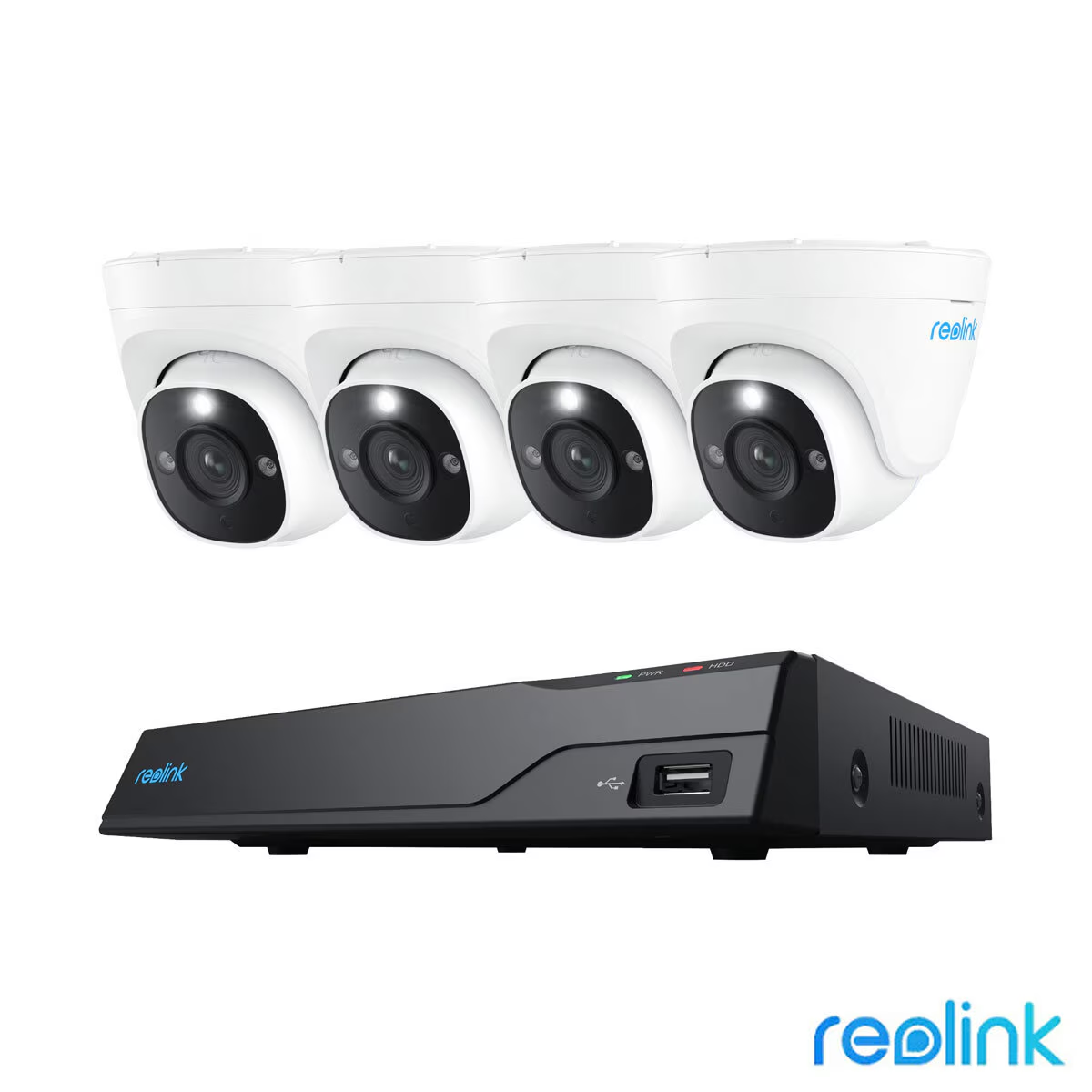
Reolink 4K PoE/Wi-Fi NVR System
If you want a true "surveillance grade" setup, Reolink is the winner. Unlike battery cameras that only record when they see motion, this best diy home security camera system can record 24/7. This is vital if you want to capture non-motion events, like a neighbor’s dog in your yard or a slow-moving vehicle.
- Plug and Play: One cable (PoE) provides both power and data to the camera.
- Local NVR: Comes with a pre-installed 2TB or 4TB hard drive.
- No Internet Needed: The system will continue to record even if your Wi-Fi is down.
Comparing DIY Systems: Hub vs. NVR
Choosing the best self-monitored home security involves a choice between a Hub (like Eufy) and an NVR (like Reolink). Here is how they stack up:
| Feature | Wireless Hub (Eufy) | Wired NVR (Reolink) |
|---|---|---|
| Ease of Install | 10/10 (Battery/Wireless) | 6/10 (Requires Wiring) |
| Recording Type | Event-Based (Motion) | Continuous (24/7) |
| Reliability | High (Wi-Fi dependent) | Extreme (Hardwired) |
| AI Features | Elite (Facial/Vehicle) | Standard (Person/Vehicle) |
For most suburban homes, a Wireless Hub is the best diy home security camera system because you can install it in 20 minutes. However, for new builds or large estates, the NVR is unbeatable for consistency.
FAQ: Common DIY Security Questions
Eufy and Reolink are the market leaders for 2026. Both allow you to store video on a local drive (HomeBase or NVR), meaning you get full access to your 4K footage and AI features without ever paying a subscription fee.
Standard DIY systems do not "auto-dial" 911. Instead, they send a high-priority notification to your phone. You can then review the clip and use a one-touch "Emergency" button in the app to call local authorities yourself. This actually prevents expensive "false alarm" fines from the city.
Battery-powered cameras will keep recording during a blackout. However, your Hub/NVR and Router will need power to send you alerts. We highly recommend plugging your security hub into an Anker or Bluetti power station to keep the system online during outages.
Not anymore. Most modern wireless outdoor systems only require two screws per camera and a QR code scan. If you can hang a picture frame, you can install a Eufy or Reolink system.