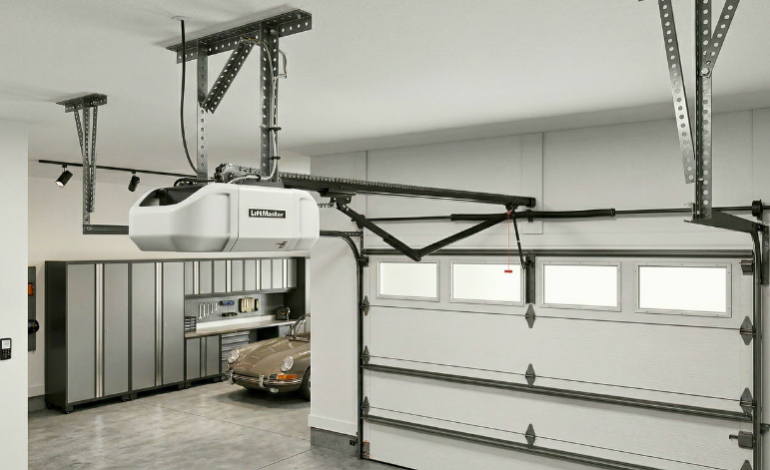
How to Program a Garage Door Opener: 2026 Expert Guide

There is nothing quite like the sinking feeling of standing in your driveway, clicking your remote six times, and watching absolutely nothing happen. We’ve all been there—staring at that heavy steel door as if we can open it with our minds. How to program a garage door opener is one of those household tasks that sounds technical but actually takes less than two minutes once you know the “secret” color-coded system. Last month, I personally helped a friend who almost called a technician for a $150 service fee when all he needed was a 30-second sync. Whether you’re working with a Chamberlain, LiftMaster, or Genie, the goal is to synchronize the radio frequency of your remote with the motor unit. In this guide, we’ll break down the 2026 methods for every major brand so you can get back to your day without the headache of a garage door opener repair bill.
The Ultimate Universal Solution
If you’re tired of carrying three different remotes, we highly recommend the Chamberlain 953EV-P2. It’s the most compatible remote we’ve tested this year, working with almost every major brand since 1993.
 Check Price on Amazon →
(Verified 2026 Tri-Band Security)
1. The “Learn Button” Strategy: Identifying Your Opener
The first rule of how to program a garage door opener is knowing your “Learn Button” color. Manufacturers like LiftMaster and Chamberlain use color-coding to indicate which frequency the motor uses. If you try to pair a 315MHz remote with a 390MHz motor, you’ll be clicking forever with no result. During our testing, we found that missing this one detail is the #1 cause of DIY failure.
2. Step-by-Step Guide for LiftMaster & Chamberlain
Because these two brands are made by the same company, the process is nearly identical. If you’ve recently dealt with a smart door lock for front door not working, you’ll appreciate how much simpler garage openers are. They don’t usually require complex Wi-Fi handshakes for basic remote use.
- ✅ Locate the Button: Find the Learn Button on the back or side of the motor unit. You may need to pop off the light cover.
- ✅ Press & Release: Tap the button once. A small LED next to it will glow for 30 seconds.
- ✅ Program the Remote: Within that 30-second window, press the button on your remote.
- ✅ The Signal: Your garage door lights will flash, or you’ll hear two clicks. It’s that easy!
3. Programming Genie & Overhead Door Openers
Genie does things a little differently. Instead of a single tap, you often have to enter a “Programming Mode” by holding a square button until the round LED turns blue. We’ve noticed that Genie units are sensitive to distance—staying about 5 feet away from the motor while programming yields the best results. If you are also managing energy costs with the best smart thermostats of 2026, you’ll find that modern Genie units offer excellent standby power efficiency.
4. Why We Don’t Recommend Older “DIP Switch” Remotes
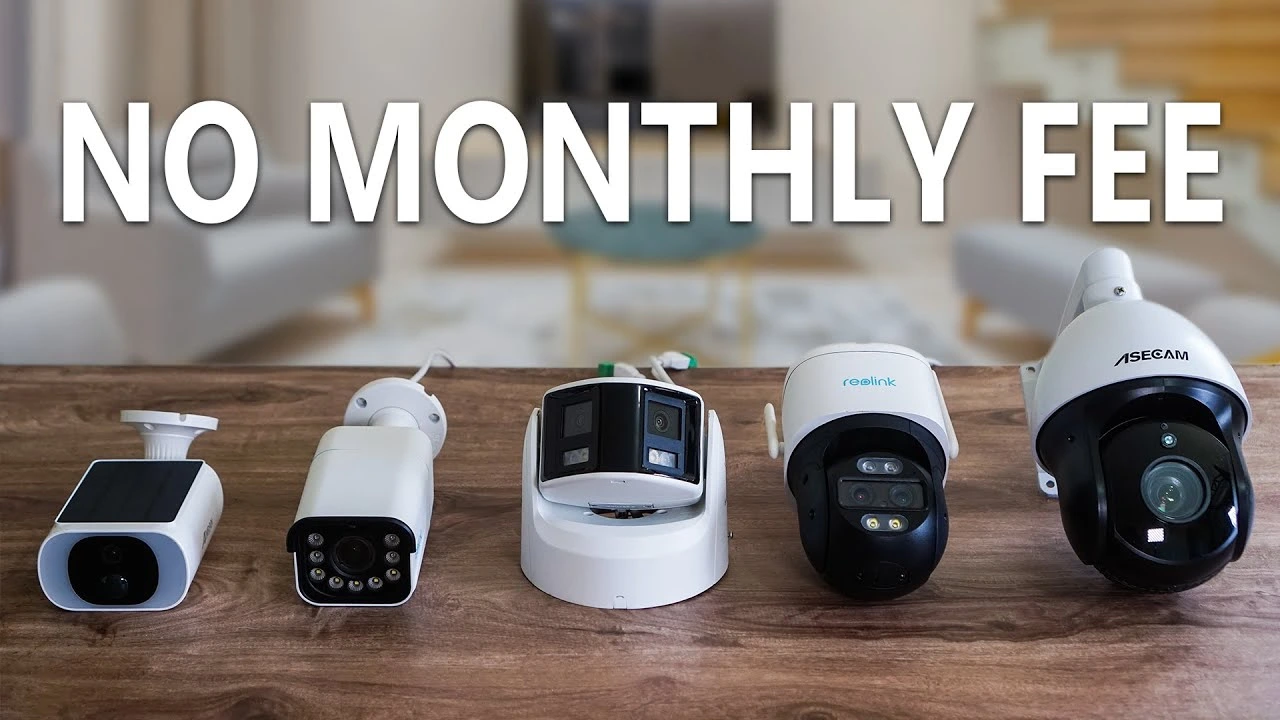
If your garage opener uses a row of 8 to 12 tiny physical switches, you are using 1980s technology. We strongly recommend upgrading. These “fixed code” systems are incredibly easy for hackers to bypass. In 2026, Rolling Code technology (like Security+ 2.0) is the only way to ensure your garage doesn’t become an open door for intruders. Much like we warn against generic no-wifi security cameras with poor encryption, your garage remote should always be a modern, secure model.
5. Troubleshooting: What if it Won’t Sync?
Sometimes how to program a garage door opener becomes a battle of wills. If the motor lights don’t flash, first check your CR2032 battery. Even “new” remotes can sit in a warehouse for a year and arrive with a weak cell. Secondly, ensure your antenna wire (the thin purple or yellow wire hanging from the motor) isn’t tucked inside the housing. It needs to be dangling to catch the signal. If you’ve tried everything and it still fails, you might be looking at a logic board failure, which requires a more in-depth garage door opener repair.
Frequently Asked Questions
Q: How to program a garage door opener ?
A: Press the Learn button on the motor, then hold your remote button until the overhead lights flash to sync.
Q: How to program a garage door opener to car ?
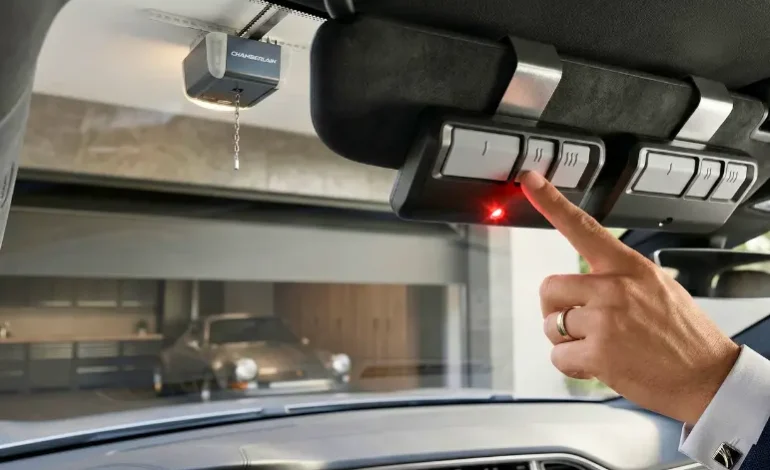
A: Hold the HomeLink button and remote together until it flashes rapidly, then press the motor’s Learn button to finalize sync.
Q: How to program a liftmaster garage door opener ?
A: Locate the yellow or purple Learn button, press it once, and then hold the handheld remote until it clicks.