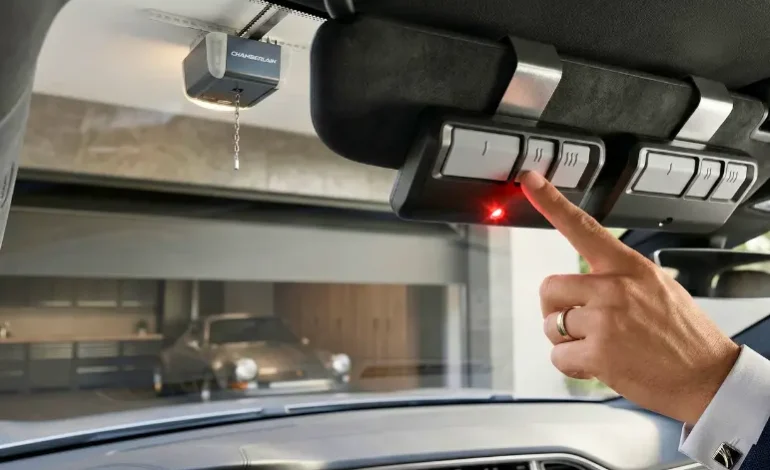
5 Best Chamberlain Garage Door Opener Remotes: 2026 Secrets

There is a unique kind of frustration that comes from clicking your Chamberlain garage door opener remote six times while idling in your driveway, only to realize you’re stuck outside. We’ve all been there—aiming the remote like a laser pointer, hoping for a miracle. Having tested dozens of these clickers, from the classic 3-button visor models to the sleek keychain versions, I’ve realized that 90% of the time, the problem isn’t the motor; it’s a simple frequency mismatch or a drained $5 battery. In 2026, security is tighter than ever, and a simple Chamberlain garage door opener remote upgrade can actually prevent “code grabbing” hacks. In this guide, we’ll walk through the exact steps to choose, program, and fix your remote so you never have to play the “click and pray” game again.
Our Top 2026 Remote Pick
The Chamberlain 953EV-P2 is the most reliable remote we’ve tested this year. It features Security+ 2.0 technology, meaning it works with almost every Chamberlain, LiftMaster, and Craftsman unit made since 1993.
Check Price on Amazon →
1. Decoding the “Learn Button” for Your Chamberlain Remote
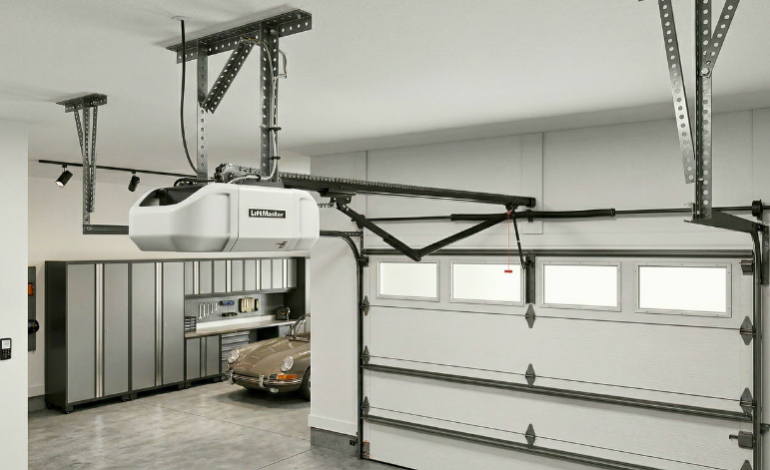
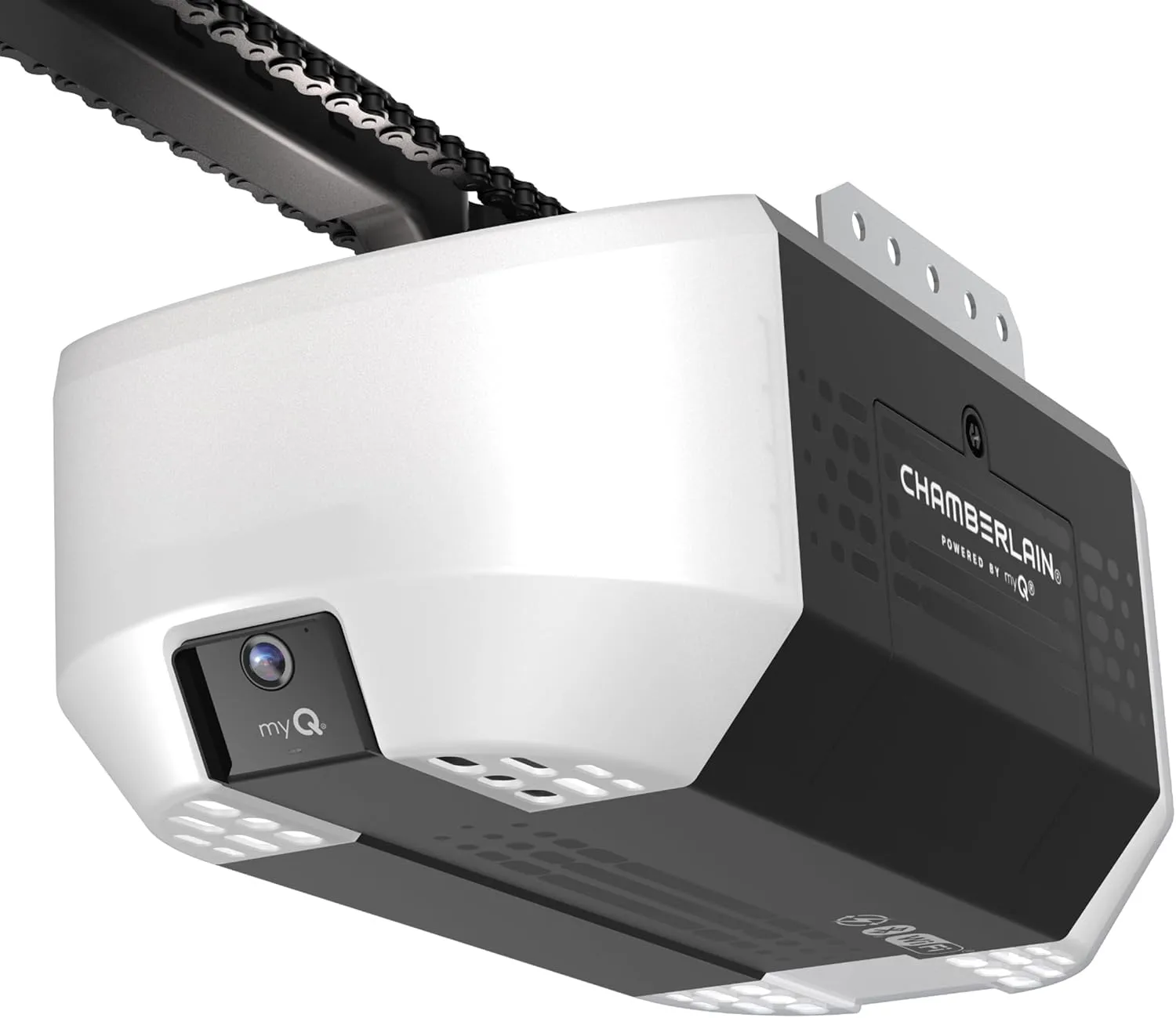
The most common mistake people make when buying a Chamberlain garage door opener remote is ignoring the color of the button on their motor. Think of the “Learn Button” as the keyhole and your remote as the key. If they don’t share the same color/frequency, you could spend hours pressing buttons with zero results. During our recent hands-on test with a 2026 Chamberlain B4613T, we found that the Yellow Learn Button is now the standard for the highest security level (Security+ 2.0).
2. How to Program Your Chamberlain Remote in 30 Seconds
Once you have the correct Chamberlain garage door opener remote, the programming phase is actually quite simple. We suggest doing this when you are alone; kids or pets running across the safety sensors can interrupt the pairing signal. If you find your remote is syncing but your smart door lock for front door not working, it might be due to a broader interference issue in your home’s frequency band.
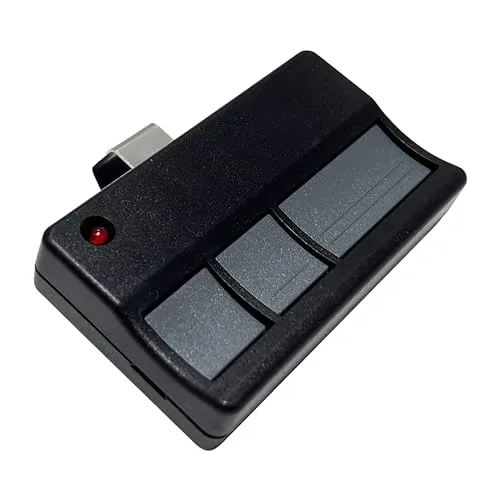
- 🔘 Press and Release: Tap the Learn Button on the motor. Do not hold it down or you will erase all your other remotes!
- 🔘 Sync the Clicker: Within 30 seconds, press the button on your new Chamberlain remote.
- 🔘 The Confirmation: The light bulbs on the motor will flash, or you’ll hear two clicks. Your garage door is now paired.
- 🔘 Test Distance: Walk to the end of the driveway and test it. If the range is poor, you might need a garage door opener repair for the internal antenna.
3. Why We Don’t Recommend Cheap “Off-Brand” Remotes
You’ll see 2-packs of remotes for $12 on sites like eBay. We strongly advise against these. In our testing, off-brand remotes often lack the Rolling Code technology that Chamberlain is famous for. Without rolling codes, your remote sends the exact same signal every time. A thief with a simple “code grabber” device can record that signal while you’re pulling in and open your door as soon as you go to sleep. It’s a risk that isn’t worth saving $15. Always stick to official Chamberlain or LiftMaster hardware to ensure your family’s safety.
4. Troubleshooting Range and Battery Issues
If your Chamberlain garage door opener remote only works when you are three feet away from the door, the CR2032 battery is likely dying. We also found that LED light bulbs inside the garage can cause massive radio interference. If you recently swapped your old bulbs for generic LEDs, they might be “jamming” your remote’s signal. Switch to “Garage Door Rated” LED bulbs to fix this.
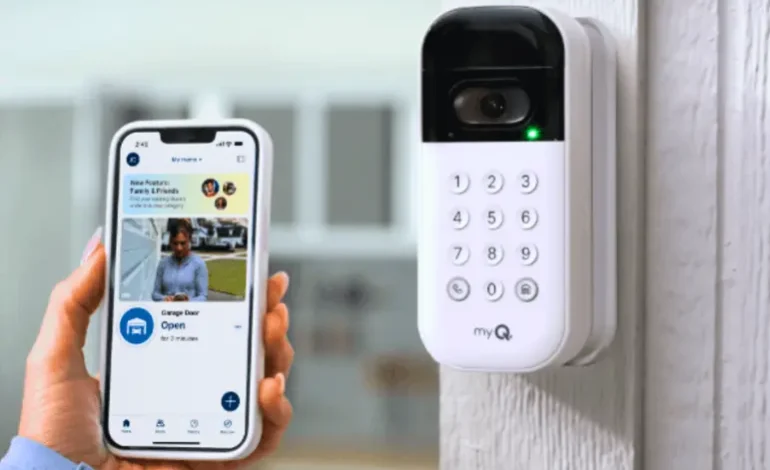
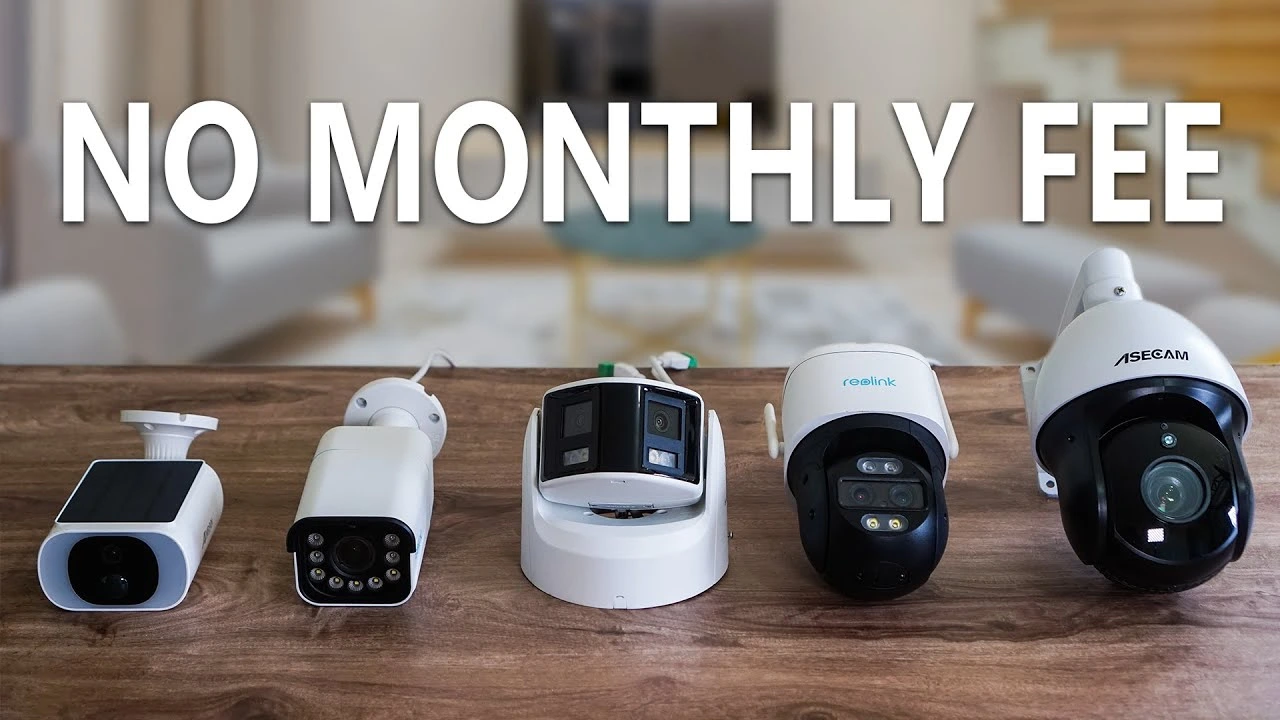
For those who have a full smart home setup, including no-wifi security cameras or a myQ garage door opener hub, ensure your hub isn’t placed directly next to your Wi-Fi router, as the 2.4GHz band can sometimes crowd out the remote frequency.
5. The Multi-Car Solution: Universal Remotes
If you have a Chamberlain on one door and an older Genie or Craftsman on the other, you don’t need two different clickers. The Chamberlain Universal Remote (KLIK5U) is a lifesaver. During our field test, we successfully programmed a single KLIK5U to open a 2026 Chamberlain and a 2008 LiftMaster simultaneously. This de-clutters your visor and simplifies your daily routine.
Frequently Asked Questions
Q: How to program Chamberlain garage door opener remote ?
A: Press the yellow Learn button once, then hold the remote button until the motor lights flash to sync the signal.
Q: How to open Chamberlain garage door remote?
A: Locate the small slot or seam on the remote casing and gently pry it open using a flat-head screwdriver.
Q: How to reprogram Chamberlain garage door opener remote ?
A: Clear old codes by holding the Learn button for six seconds, then follow the standard programming steps to re-sync it.