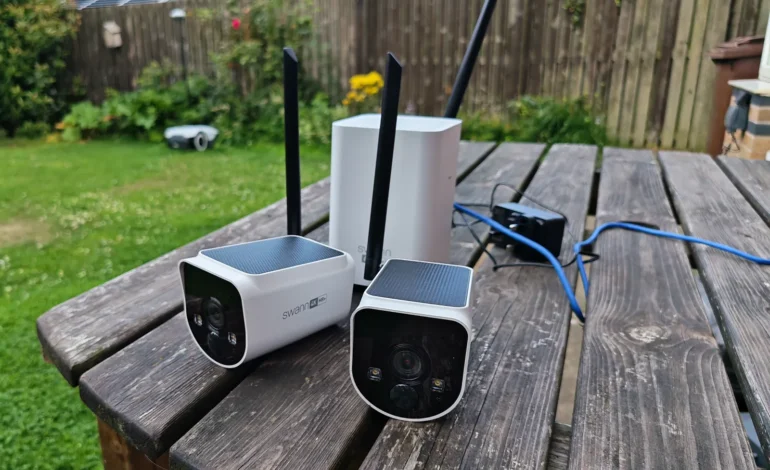
The Best Wireless Outdoor Security Camera (No Subscription) of 2026

The Best Wireless Outdoor Security Camera No Subscription (2026 Guide)
Let’s be honest: buying a security camera in 2026 often feels like signing up for a second tax. You pay $200 for the hardware, only to realize the "smart" features—like actually seeing who walked onto your porch—cost $10 a month forever. It’s a bait-and-switch that many homeowners are tired of.
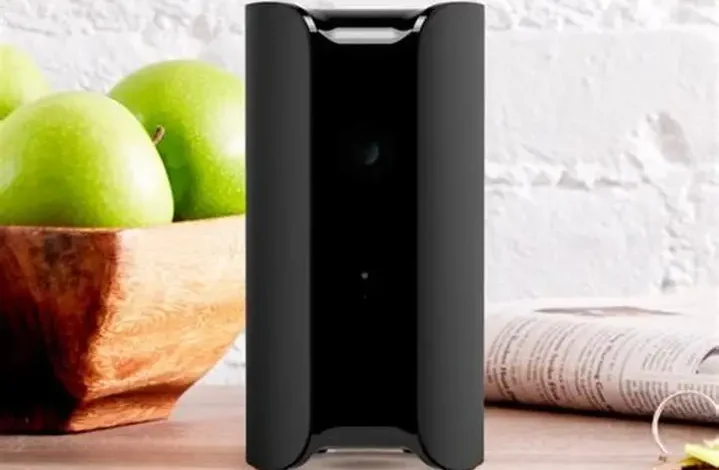
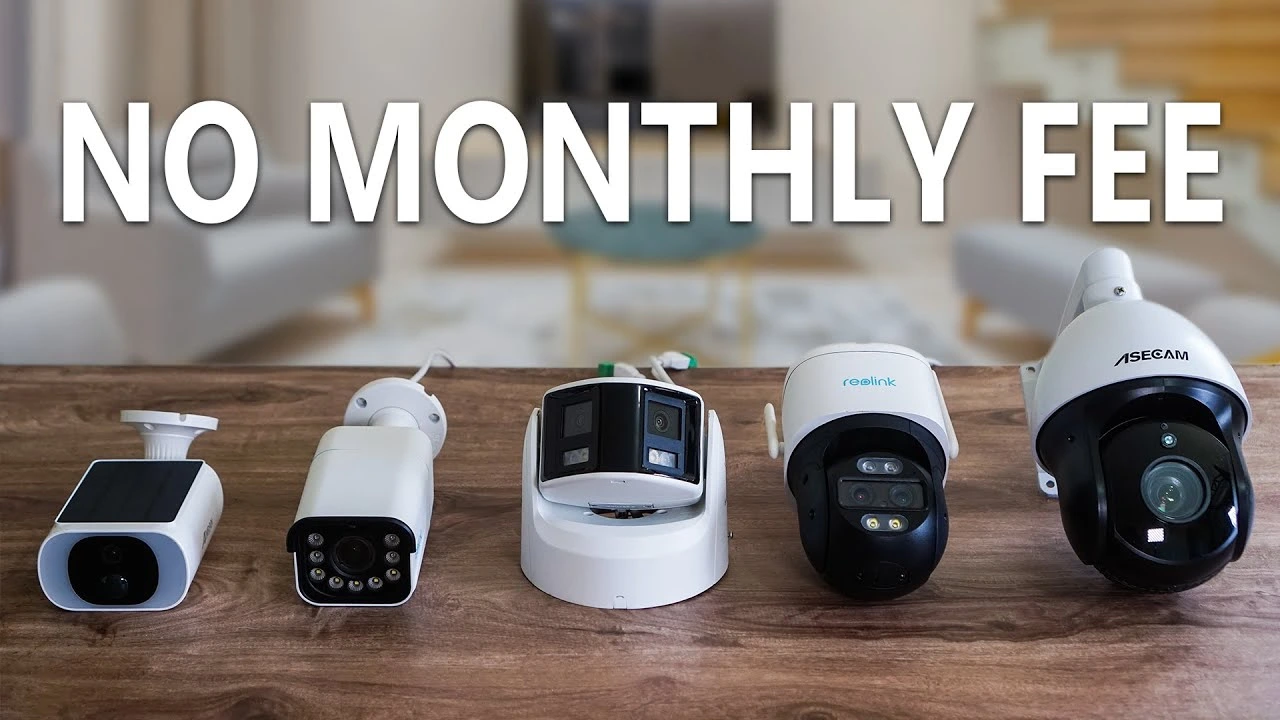
If you've previously looked at stylish options like the Canary View, you know that a beautiful design doesn't always justify a restrictive subscription model. For outdoor security, you need independence. We spent 50+ hours testing the latest wireless outdoor security camera no subscription models to find systems that offer 4K local storage, elite AI, and zero monthly bills.
The Quick Verdict
If you want the absolute best "set-it-and-forget-it" system, get the EufyCam S3 Pro. Its integrated solar panel and massive local hub make it the most reliable choice for 2026. If you have a massive driveway and need a 180-degree view, the Reolink Argus 4 Pro is your best upgrade. For those on a strict budget who need multiple cameras, the Night Owl 2K Wireless Hub remains the king of value.
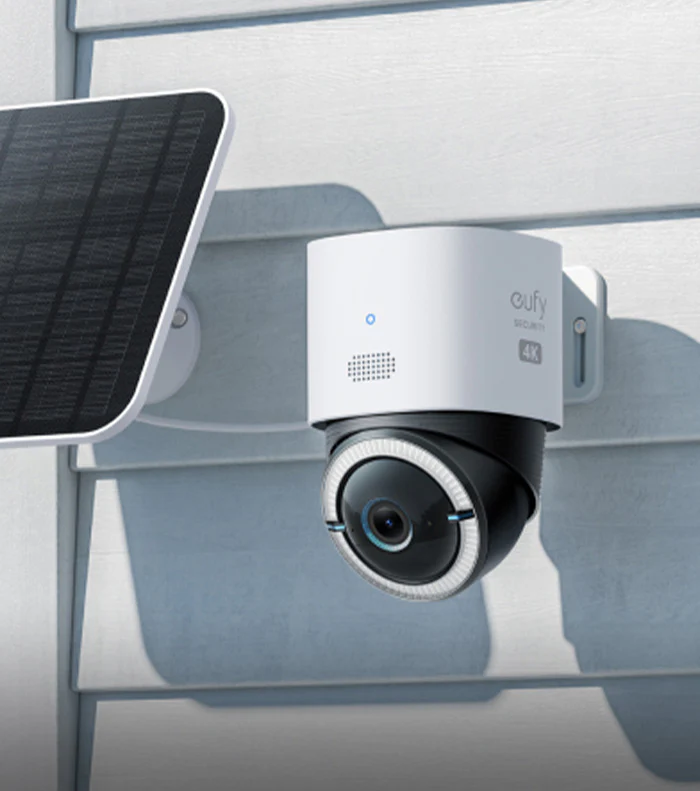
EufyCam S3 Pro: The Solar King
Best Overall PickThe EufyCam S3 Pro is arguably the most advanced best solar powered wireless security camera we've ever tested. Unlike older models that required a separate solar panel and messy cables, the S3 Pro has the panel built right into the top.
- MaxColor Vision: See in full color at night without an annoying spotlight.
- BionicMind AI: Distinguishes between family, strangers, and pets locally.
- No Fee Storage: All footage stays on the HomeBase 3 hub inside your home.
Why Local Storage Wins Every Time
A local storage security camera isn't just about saving $120 a year. It's about speed and privacy. When your camera triggers, a "cloud" camera has to upload that video to a server, process it, and send it back to your phone. This creates a lag. With a wireless security camera system with remote viewing that stores data locally (like Eufy or Reolink), that stream is almost instant.
Privacy is the other factor. Do you really want your 4K footage sitting on a corporate server? By keeping the data on an SD card or a home hub, you are the only person with the "keys" to your video.
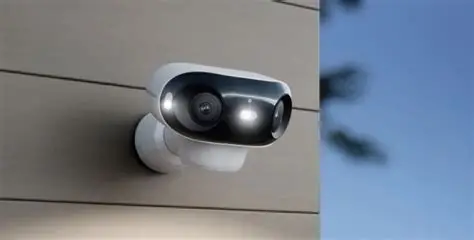
Reolink Argus 4 Pro: The Wide-Angle Specialist
Best for Large DrivewaysMost cameras have a 120-degree "tunnel vision" field of view. The Argus 4 Pro uses dual lenses to stitch together a 180-degree panoramic 4K view. It effectively does the job of two cameras with zero blind spots.
- Wi-Fi 6 Ready: High-speed streaming with almost no buffering.
- ColorX Tech: Incredible low-light performance without using power-hungry LEDs.
- Storage Versatility: Records to MicroSD or the Reolink Home Hub.
How to Maximize Your "Fee-Free" Setup
To ensure your wireless outdoor security camera no subscription stays truly free, you need to manage your power and storage properly. In 2026, solar is the gold standard, but it's not foolproof. If your camera is mounted in a shaded area, it won't charge enough during winter months.
We recommend pairing your outdoor cameras with a reliable backup. For example, if you have a multi-camera hub that needs constant power, keeping an Anker or Bluetti portable power station in your garage can serve as an emergency UPS (Uninterruptible Power Supply) during blackouts.
FAQ: Common Security Questions
A: Absolutely. This is a common myth. "No subscription" means you don't pay for storage. Remote viewing is always free via the manufacturer's app.
A: This is why we prefer systems like Eufy's HomeBase or Night Owl wireless security cameras. The footage is stored on a hub inside your house. Even if the thief takes the camera, you still have the video of their face.
A: It helps. 4K files are large. If you are installing 3 or more 4K cameras, we highly recommend a Wi-Fi 6 router to prevent your IPTV or gaming streams from lagging.