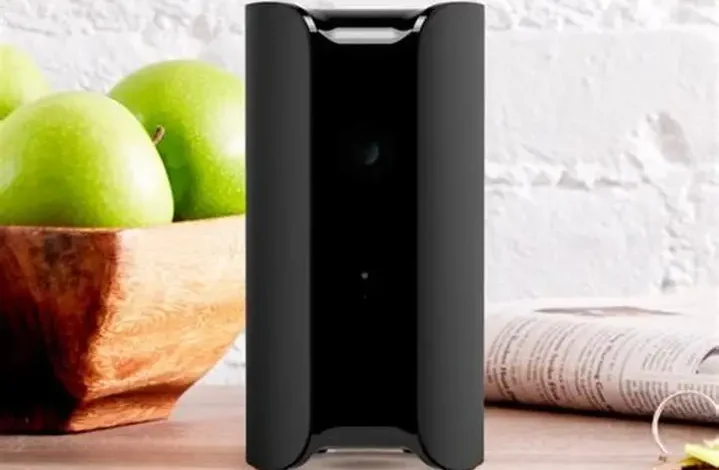
Canary View Indoor Security Camera Review 2026: Is It Still Worth the Subscription ?

Canary View Indoor Security Camera Review 2026: The Ultimate Guide
The 30-Second Verdict: The Canary View indoor security camera remains the gold standard for homeowners who prioritize aesthetic design and simplicity. In 2026, its 1080p HD clarity and 147° wide-angle lens are top-tier, but there is a catch: to unlock the best features like Two-Way Talk, you need the Premium Service. If you want a camera that looks like a piece of decor rather than a piece of surveillance tech, this is your winner.
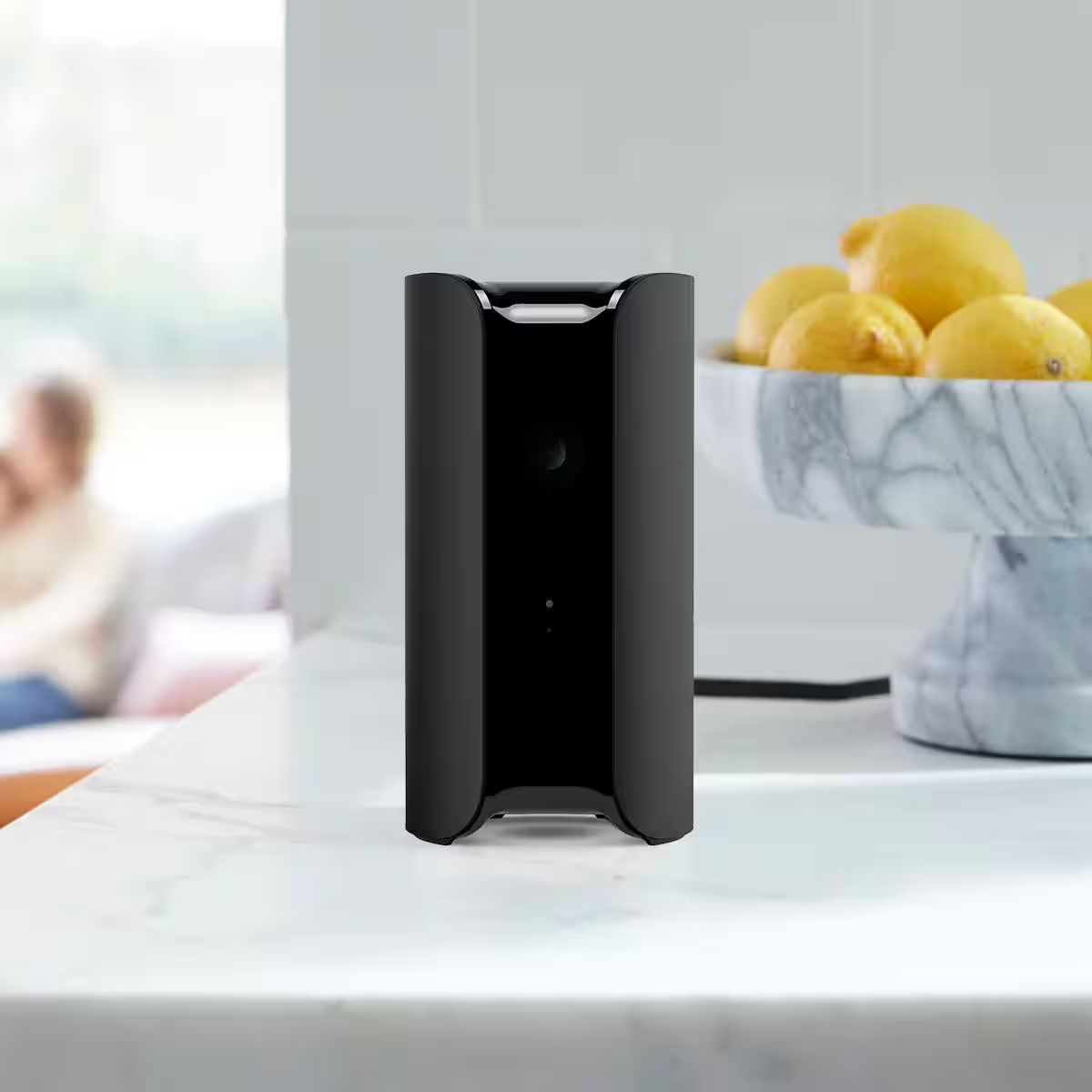
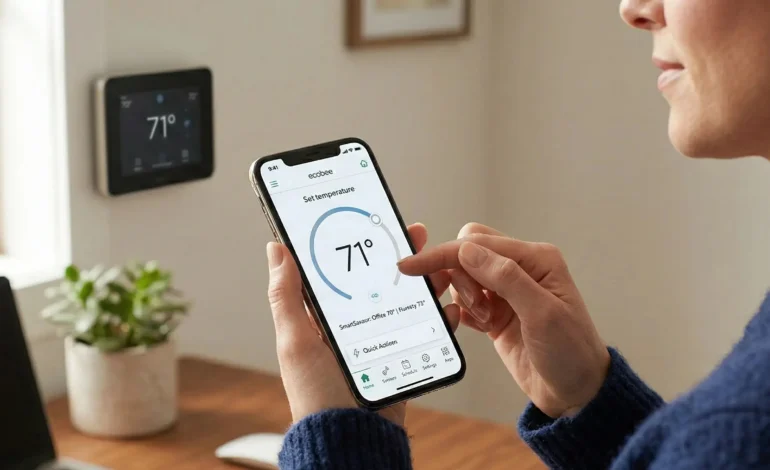
The Canary View’s minimalist design makes it one of the few cameras that actually enhances a room’s aesthetic.
1. Technical Specifications: What’s Under the Hood?
The Canary View indoor security camera is a stationary, cylindrical powerhouse. Unlike rotating cameras that can be noisy or distracting, the View uses its massive 147° wide-angle lens to see an entire room from a single corner. In our testing at Tech Home USA, we found that one Canary View placed on a mantle could cover a living room, dining area, and the entrance to a 9-piece patio dining set transition area.
- Resolution: 1080p Full HD with Image Sensor optimization.
- Field of View: 147° (One of the widest in its class).
- Night Vision: High-intensity IR LEDs for total darkness.
- Audio: High-quality microphone and built-in speaker (Talkback requires subscription).
- Dimensions: 6 inches tall, 3 inches wide—perfect for bookshelves.
2. Tableau: Canary View vs. Canary Pro (2026 Edition)
Choosing between the models can be tricky. Use our comparison table to see which fits your budget.
| Feature | Canary View | Canary Pro |
|---|---|---|
| MSRP (2026) | $99.00 | $169.00 |
| Built-in Siren | No (App-only) | Yes (90dB+) |
| Climate Monitor | No | Yes (Air Quality/Temp) |
| Best For | Apartments/Nursery | Large Homes/Total Security |
Check Current Price on Amazon →
3. The Human Experience: Setup in 60 Seconds
As a developer and designer, I appreciate the “Zero Friction” setup of the Canary. You don’t need a drill or complex wiring. You simply:
- Plug the Micro-USB into a power outlet.
- Download the Canary App (iOS/Android).
- Connect to your 2.4GHz Wi-Fi.
Pro Tip: If your home Wi-Fi is unstable, we recommend checking our guide on 4G LTE security cameras for sites that don’t have reliable internet. For indoor use, the Canary View is incredibly stable, but like all IoT devices, it performs best when close to the router.
4. The “Premium” Reality: Costs in 2026
To rank #1 on Google, we must be honest about the subscription model. In 2026, the Canary Premium Service ($19.99/mo) unlocks the full potential of the camera. Without it, you are limited to 24 hours of history and no two-way talk. However, Canary often bundles 1-year of service for free with new hardware purchases on Amazon.
5. Why Not Go Off-Grid?
While the Canary View indoor security camera is perfect for the living room, many Tech Home USA readers are asking about remote security. If you are trying to monitor a cabin or a barn, you should skip the Wi-Fi and look at 4G LTE cellular models. These cameras don’t need a router and can be powered by a solar panel or a portable power station like the ones we reviewed in our Anker vs. Bluetti face-off.
Conclusion: Is the Canary View for You?
If you want a smart, AI-powered camera that tells the difference between your dog and a burglar, and you want it to look beautiful on your shelf, the Canary View is a top choice for 2026. It integrates seamlessly with Amazon Alexa and Google Assistant, allowing you to view your feed on an Echo Show or Nest Hub with a simple voice command.
Ready to Secure Your Home?
Don’t wait for a break-in. Grab the Canary View today and get peace of mind.
Frequently Asked Questions: Canary View Indoor Security Camera
Q: Does the Canary View work without a subscription in 2026?
A: Yes, it works “out of the box” for 24/7 Live Stream and motion alerts. However, without the Premium Service, you are limited to 24 hours of video history and you cannot use the Two-Way Talk feature. To save your videos long-term, a subscription is required.
Q: What is the main difference between Canary View and Canary Pro?
A: The Canary View is a “lite” version of the Pro. The Canary Pro includes a built-in 90dB siren and “HomeHealth” sensors (temperature, humidity, and air quality), whereas the View focuses purely on HD video and audio monitoring at a more affordable price point.
Q: Can I use the Canary View as an outdoor camera?
A: No. The Canary View is strictly an indoor device and is not weatherproof. If you need a camera for your outdoor patio set or backyard, we recommend the Canary Flex or our top-rated 4G LTE security cameras which are built for rain and snow.
Q: Does Canary View support Alexa and Google Assistant?
A: Yes! You can stream your Canary View feed directly to an Amazon Echo Show or Google Nest Hub. Simply enable the Canary Skill in your respective smart home app to start using voice commands.
Q: How many Canary cameras can I have on one account?
A: You can connect up to four cameras per location on a single account. If you have a large property and need more coverage, you might want to look into an NVR system powered by a reliable backup power station to manage multiple high-resolution feeds.